Blog
Insights
8 Best Replit Alternatives for Mobile Apps (2026)
Compare 8 Replit alternatives for mobile apps: which ones publish to the App Store and Google Play, backends, code export and 2026 pricing, from vendor docs.

BuildAvelo Team
Editorial Team
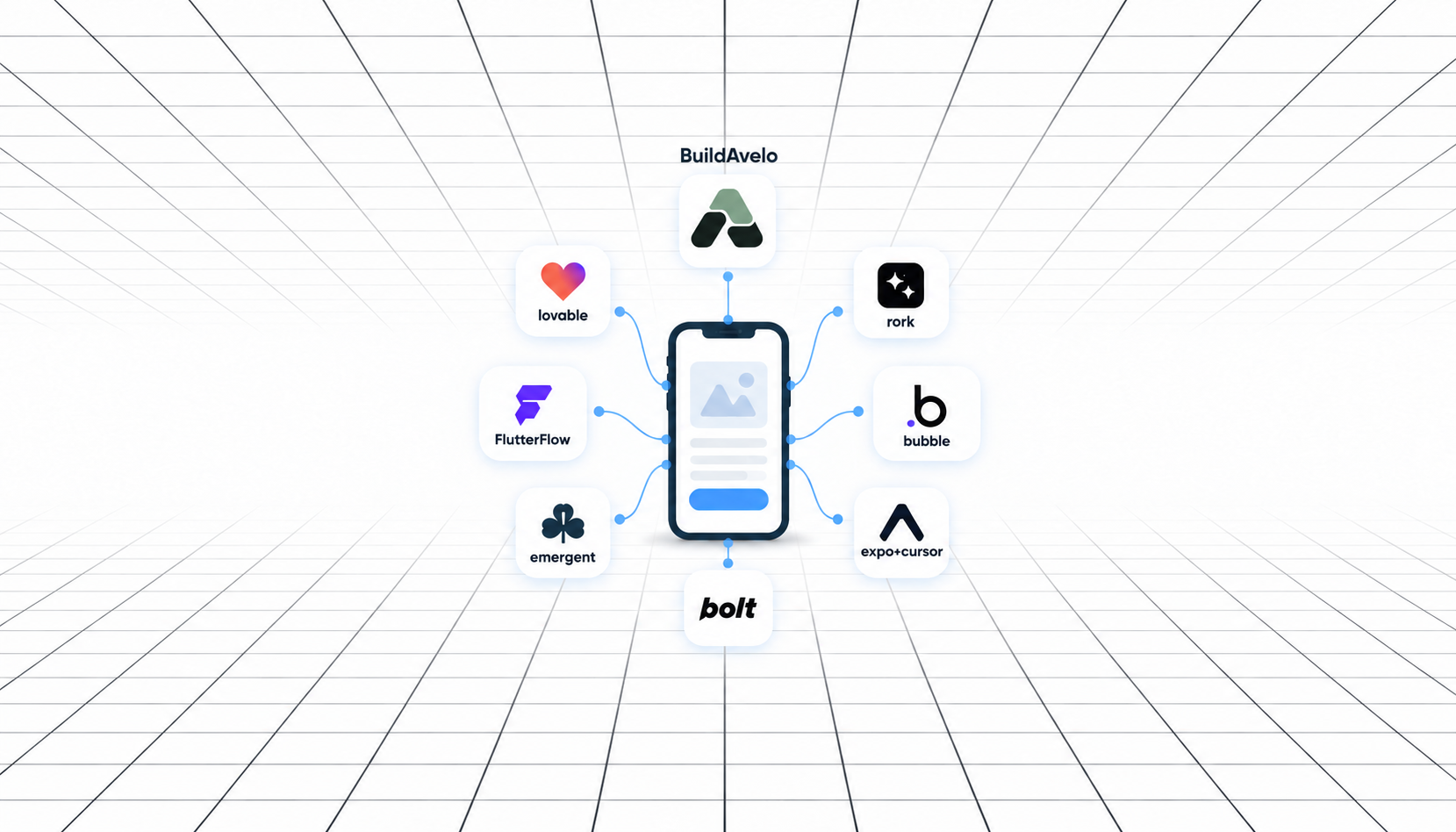
The best Replit alternative for mobile apps is BuildAvelo if you want to describe an app in plain English and get a native iOS and Android app. Its AI agent also handles the App Store submission. Pick FlutterFlow if you'd rather design screens in a visual editor, Rork for native Swift and Kotlin code, and GitHub Codespaces if you only used Replit as a cloud code editor.
Replit can build mobile apps now. Since January 2026, Replit Agent writes React Native apps with Expo and uploads iOS builds to App Store Connect. It can't publish to Google Play yet, though, and its effort-based pricing makes the monthly bill hard to predict.
We compared 8 Replit alternatives on what they build, how an app gets into the App Store and Google Play, the backend, code ownership and price. Every fact below comes from the vendor's own docs or pricing page, checked in October 2026. We build BuildAvelo, so we've said plainly where another tool is the better pick.
Quick picks:
Best for native iOS and Android apps from a prompt: BuildAvelo
Best visual builder for store-ready apps: FlutterFlow
Best for native Swift and Kotlin code: Rork
Best no-code builder for web and mobile: Bubble
Best for apps with a Python backend: Emergent
Closest to Replit's prompt-to-app workflow: Bolt
Best for web apps only: Lovable
Best for developers: Cursor with Expo
Best cloud code editor: GitHub Codespaces
Table of Contents
Replit Alternatives for Mobile Apps Compared
Can Replit Build Mobile Apps?
Why People Look for a Replit Alternative
1. BuildAvelo: Best Replit Alternative for iOS and Android Apps
2. FlutterFlow: Best Visual Builder for Store-Ready Apps
3. Rork: Best for Native Swift and Kotlin Apps
4. Bubble: Best No-Code Builder for Web and Mobile
5. Emergent: Best for Apps With a Python Backend
6. Bolt: Closest to Replit's Prompt-to-App Workflow
7. Lovable: Best Replit Alternative for Web Apps
8. Cursor With Expo: Best for Developers
Replit Alternatives for Coding in the Browser
What You Need to Publish to the App Store and Google Play
Moving From Replit Without Starting Over
How to Choose the Right Replit Alternative
Frequently Asked Questions
Final Verdict on Replit Alternatives
Replit Alternatives for Mobile Apps Compared
Here's how the 8 Replit alternatives handle mobile, with Replit in the last row for reference. "Paid from" is the cheapest plan a new user can buy. Some tools need a higher plan before they build for the stores, and the sections below say which.
Tool | Best for | Mobile output | App Store | Google Play | Built-in backend | Paid from |
|---|---|---|---|---|---|---|
BuildAvelo | iOS and Android apps from a prompt, plus websites | React Native (Expo) | Agent builds and submits | Agent builds, you upload | Yes, BuildAvelo Cloud | $20/mo, store releases from $50/mo |
FlutterFlow | Visual control over Flutter apps | Flutter | One-click deploy | One-click deploy | Connect Firebase or Supabase | $39/mo |
Rork | Native Swift and Kotlin apps | Swift (iPhone), Kotlin (Android) | Builds and submits | Uploads to internal testing | Rork Cloud (beta) or Supabase | $20/mo |
Bubble | No-code web and mobile apps | Native, built on React Native | Builds and submits | Builds, you upload | Yes, Bubble database | $49/mo for mobile |
Emergent | Apps with a Python backend | React Native (Expo) | Uploads to TestFlight | Builds, you upload | Yes, FastAPI and MongoDB | $20/mo |
Bolt | Replit-style prompt to app | React Native (Expo) code | You build and submit | You build and submit | Yes, Bolt Cloud | $25/mo |
Lovable | Web apps | Web only | No | No | Yes, Lovable Cloud | $25/mo |
Cursor + Expo | Developers | Any code, Expo for mobile | You submit with EAS | You submit with EAS | No | $8/mo |
Replit | Cloud workspace with an AI agent | React Native (Expo) | Builds and uploads | Not supported yet | Yes, PostgreSQL and auth | $20/mo |
The two store columns matter most if you're leaving Replit for mobile. "Builds and submits" means the tool does the upload for you. "You upload" means it gives you the build file and you finish in the store console yourself.
Can Replit Build Mobile Apps?
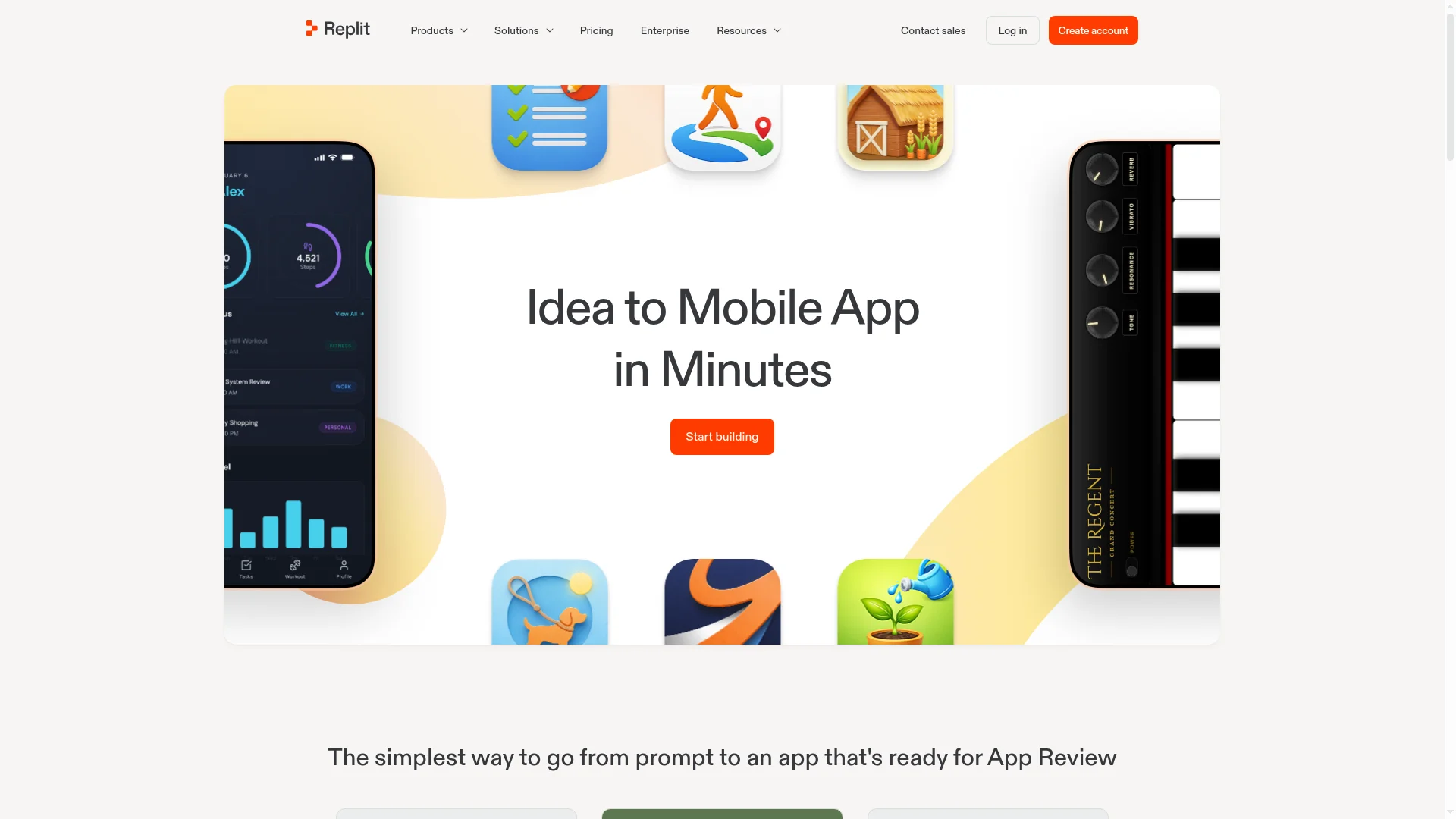
Yes, for iOS. Replit added mobile apps in January 2026, and Replit Agent now builds them with React Native and Expo. Its docs say React Native "renders platform-native UI components (not a webview)," so these are real apps, not websites in a shell.
For iOS, Replit's Launch feature "creates that build, signs it, and uploads it" to App Store Connect. You still need an Apple Developer account, and you submit the app for App Review yourself.
Android is the gap. You can build an Android version and preview it on your phone with Expo Go, but Replit's mobile app docs say "Publishing to Google Play is not yet supported by Replit."
The same page notes that "EAS CLI and EAS Build are not supported on Replit," so you can't run Expo's usual build tools in your workspace either.
So if you only need an iPhone app and you like Replit, you may not need to switch. If you need Google Play, you'll have to export the code and finish the Android release somewhere else, or use a tool that builds for both stores.
Why People Look for a Replit Alternative
We read the 10 Replit alternative guides that rank on Google or get cited by AI assistants for this topic. Six of them name unpredictable costs as a reason to leave. None of them mentions that Replit now builds native iOS apps. These are the limits that matter for a mobile app.
No Google Play publishing
An app that's only on the App Store misses every Android user. Replit doesn't give you a way to publish there from inside the product, and its docs have no Android publishing guide.
Costs that depend on effort
Replit Core costs $20 a month, or $18 billed yearly, and includes $20 of monthly credits. Agent work in paid modes uses what Replit calls effort-based pricing, "based on request complexity," and usage beyond your credits is billed separately.
Hosting draws on the same pool. Replit's docs say "All publishing costs are deducted from your monthly credits," so a busy month of building and hosting can cost more than the plan price.
A workspace made for people who code
Replit shows you the file tree, the shell and the deployment settings. Developers like that. If you've never coded, it's a lot to manage when all you want is an app on your phone.
Free apps expire
The free Starter plan gives you one published app, and Replit's docs say the link "will automatically go down after 30 days."
1. BuildAvelo: Best Replit Alternative for iOS and Android Apps
Best for: people who want a native iOS and Android app from a plain-English description, without managing a code workspace.
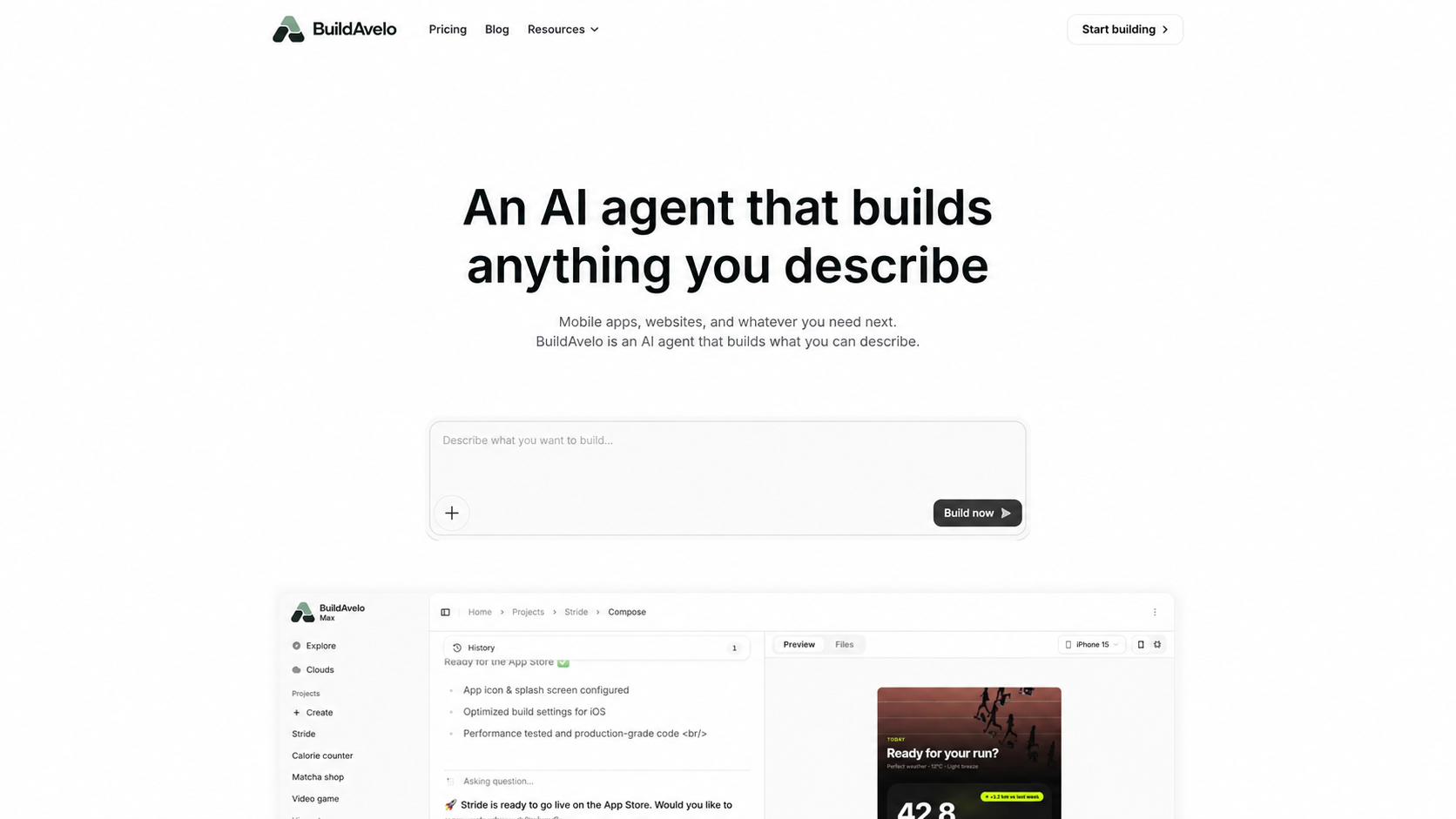
BuildAvelo is an AI agent that builds mobile apps and websites. You describe the app in chat, and the agent writes the code, runs it and shows you a live preview. Scan the QR code and the app opens on your own phone in Expo Go.
Every BuildAvelo mobile app is a React Native app built with Expo, so one codebase compiles to real iOS and Android binaries.
When we asked ChatGPT and Perplexity for the best Replit alternative for iOS and Android apps, both named Expo and React Native as the stack to use. BuildAvelo builds on that stack and does the coding, the builds and the App Store submission for you.
The agent runs on its own cloud computer. It installs packages and fixes its own errors, and checkpoints save each version so you can roll back a change you don't like.
How BuildAvelo gets your app into the stores
iOS: when the build is done, ask the agent to submit it to the App Store. Then choose TestFlight or a public release in App Store Connect.
Android: the agent makes a production build for Google Play. You download it and upload it in the Play Console yourself.
Before review: ask the agent to check whether your app is ready. It compares the app with the App Store and Google Play review guidelines and returns a readiness report: how likely approval is, blocking issues, warnings and what only you can check in the store consoles.
You'll need an Apple Developer account, a Google Play developer account and a free Expo account. Store releases start on the Starter plan.
Backend, websites and existing code
BuildAvelo Cloud comes with every plan. It gives your app a database, sign-in with email, phone, Google and Apple, file storage and edge functions. Already have a Supabase or Firebase project? The agent can use it instead.
The same project can hold your website too. Websites use React, Vite and Tailwind CSS and deploy to a free buildavelo.com address, and custom domains start on Starter.
Pricing and trade-offs
The Free plan gives you 15 credits once, with web deploys. Core is $20 a month ($17 billed yearly) and adds GitHub import. App Store and Google Play releases start on Starter at $50 a month ($42 billed yearly). Code export and two-way GitHub sync start on Plus.
There's no drag-and-drop editor, so every change goes through the chat, and the Google Play upload is a manual step. For a feature-by-feature look, read BuildAvelo vs Replit.
Pick BuildAvelo over Replit if you need your app on both iPhone and Android and you'd rather describe it than manage the code.
2. FlutterFlow: Best Visual Builder for Store-Ready Apps
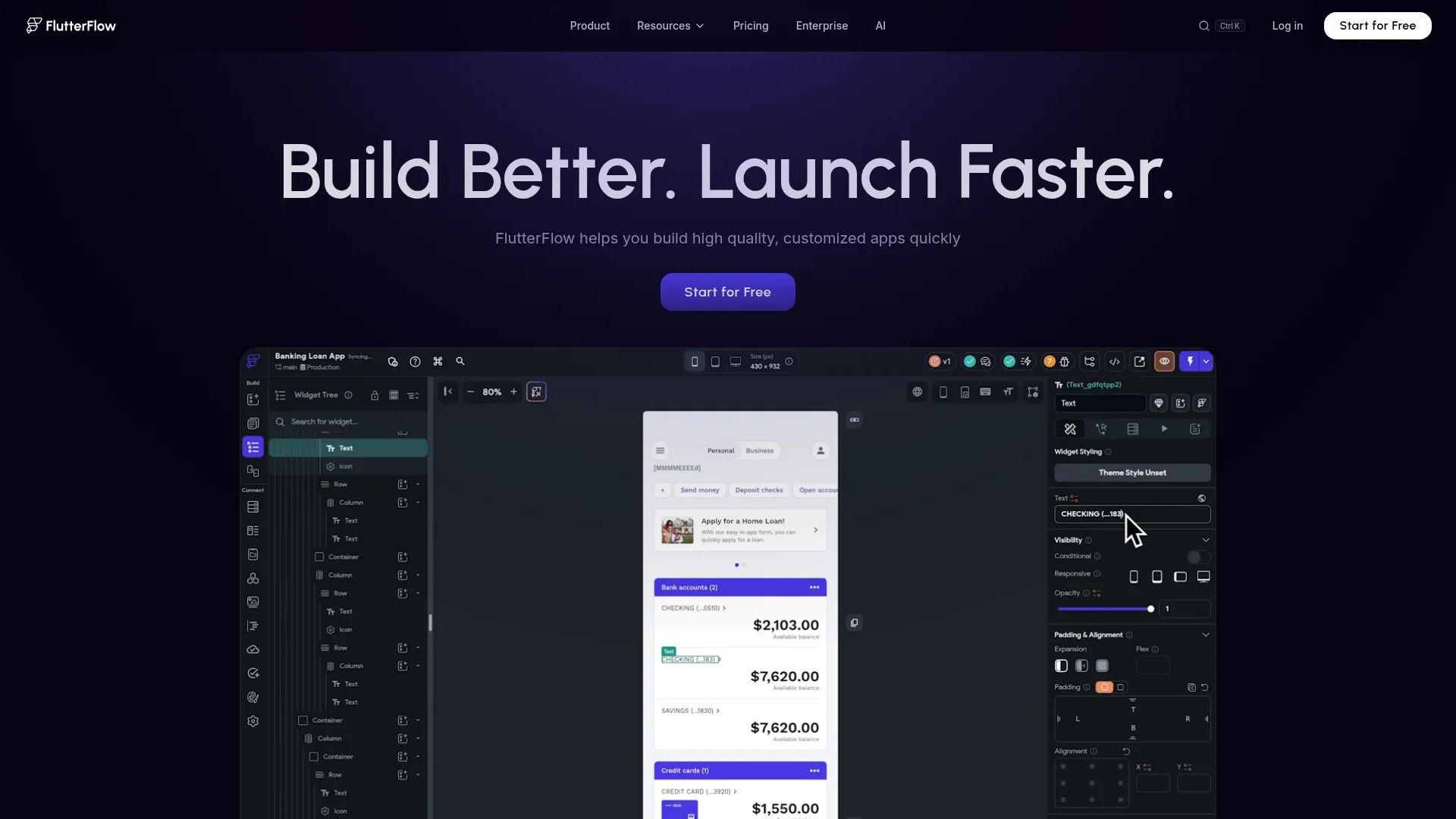
Best for: teams who want drag-and-drop control and real Flutter code.
FlutterFlow is a visual builder that outputs Flutter, Google's framework for mobile, web and desktop apps. You lay out screens on a canvas and connect Firebase or Supabase for data. It has AI generation features, but most of the work happens on the canvas.
Publishing is FlutterFlow's strong point. From the Basic plan at $39 a month, you get code download and one-click deployment to the App Store and Google Play. GitHub sync starts on Growth, at $80 a month for the first seat.
Expect a learning curve. You'll need to understand app state, data queries and your Firebase or Supabase setup.
Pick FlutterFlow over Replit if you want to design every screen yourself and have both stores handled from one place.
3. Rork: Best for Native Swift and Kotlin Apps
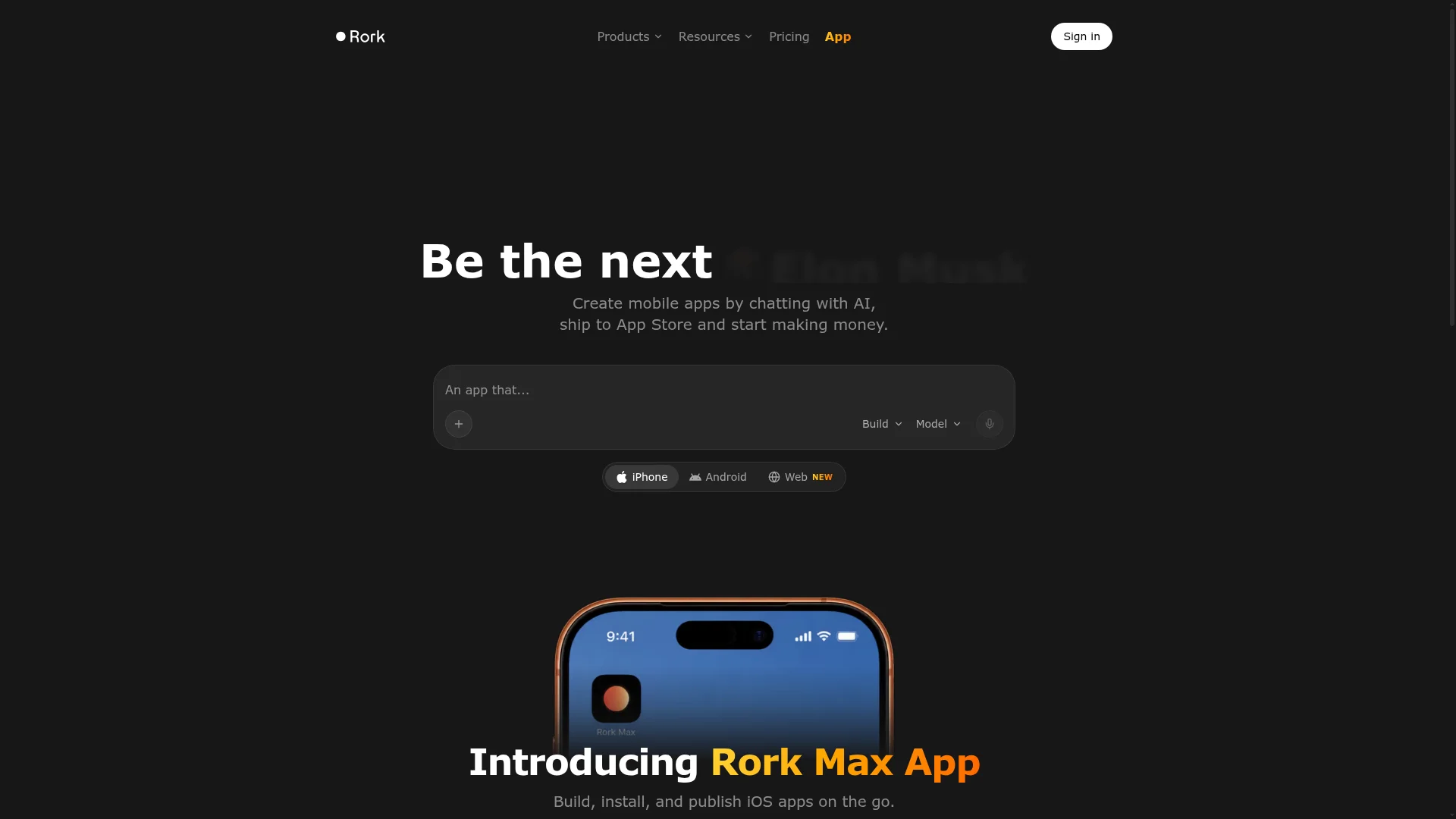
Best for: mobile-first builders who want fully native code for each platform.
Rork is an AI builder made for mobile apps. It used to build with Expo, like Replit, but its docs now say "You can no longer create Expo (React Native) projects in Rork." New apps use SwiftUI for iPhone and Kotlin with Jetpack Compose for Android.
Rork handles both stores. For iOS, it "builds the app on its own machines and submits it to TestFlight and the App Store," with no Mac or Xcode needed. For Android, it uploads your build to Google Play's internal testing track once you've created the first listing yourself.
The free plan is for designs only. Building starts on Pro at $20 a month for 100 credits, and Rork Max, from $200 a month, adds iPad, Apple Watch and Vision Pro apps. Rork Cloud (in beta) or your own Supabase project covers the backend.
Pick Rork over Replit if you want native Swift and Kotlin with both store uploads automated. Your iPhone and Android apps are separate codebases in different languages.
4. Bubble: Best No-Code Builder for Web and Mobile
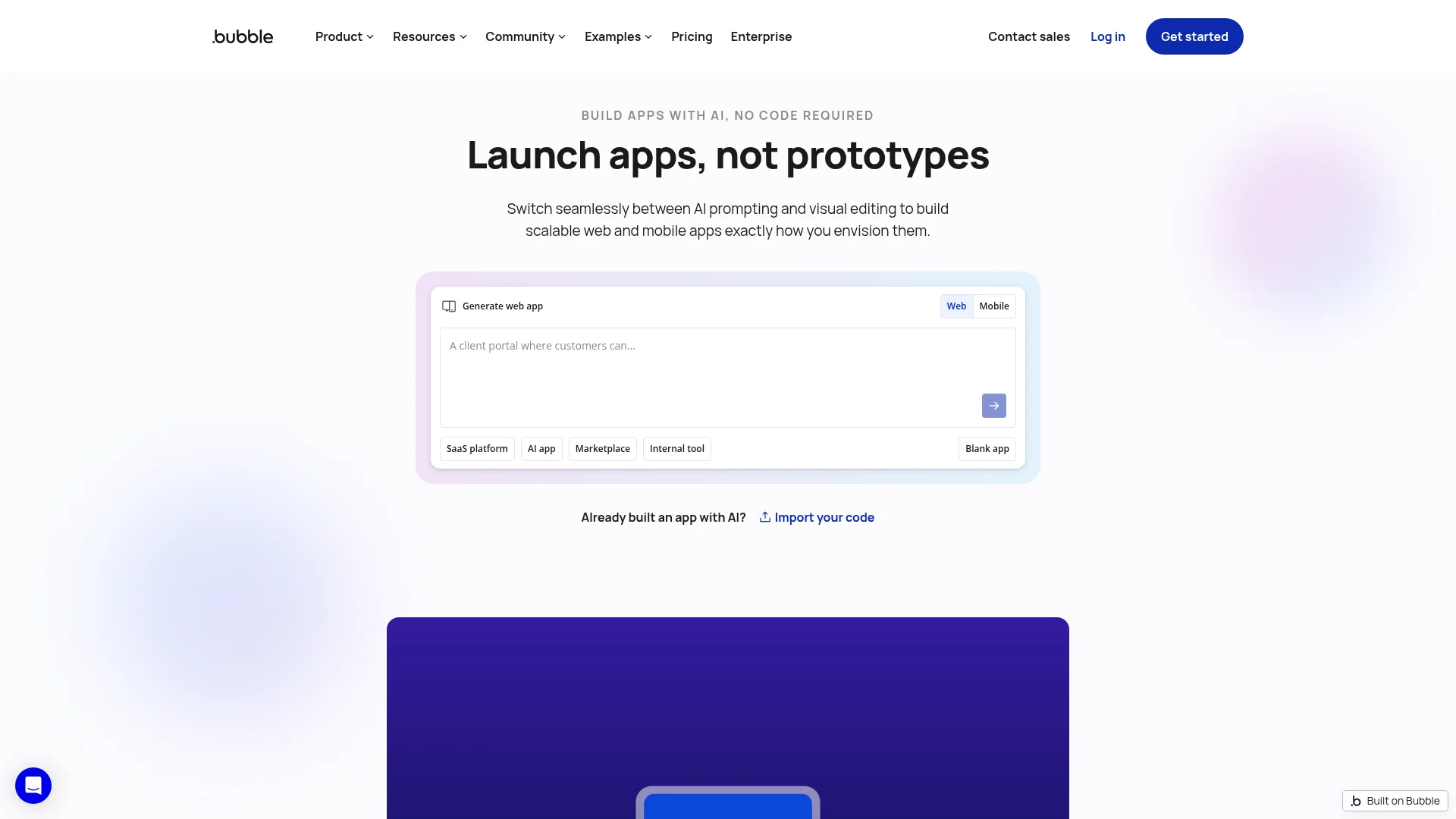
Best for: founders who want to see and control every screen and workflow.
Bubble is a visual no-code builder with an AI generator to get you started. The database, user accounts and hosting are built in, and a web app and a mobile app in the same project share one backend.
Bubble's mobile apps are native and built on React Native. For iOS, you upload your Apple certificate files, and Bubble takes about 45 minutes to "generate the build, upload it to TestFlight, and submit it for review." For Android, it gives you a build file to upload to Google Play.
The catch is lock-in. Bubble's docs say "there's no way of exporting your application as code." Publishing a mobile app also needs a paid mobile plan, from $49 a month ($42 billed yearly).
Pick Bubble over Replit if you never want to touch code and you're happy to stay on Bubble for good.
5. Emergent: Best for Apps With a Python Backend
Best for: builders who like Replit's full-stack approach and want a Python backend behind their app.
Emergent builds web and mobile apps from a prompt. Web apps use React with a FastAPI (Python) backend by default, every app includes a MongoDB database, and its docs say "All mobile apps built on Emergent use the Expo/React Native stack."
Emergent runs Expo's build service for you, and for iOS "TestFlight upload is done for you as part of the build pipeline." For Android, it gives you an .aab file to upload in the Play Console.
Pricing: new users get a small free allowance of 10 credits. Standard is $20 a month ($17 billed yearly) for 100 credits, and every native build needs a paid plan. You can save your code to GitHub from Standard up, but there's no download button.
Pick Emergent over Replit if you want Python on the backend and a managed path to TestFlight.
6. Bolt: Closest to Replit's Prompt-to-App Workflow
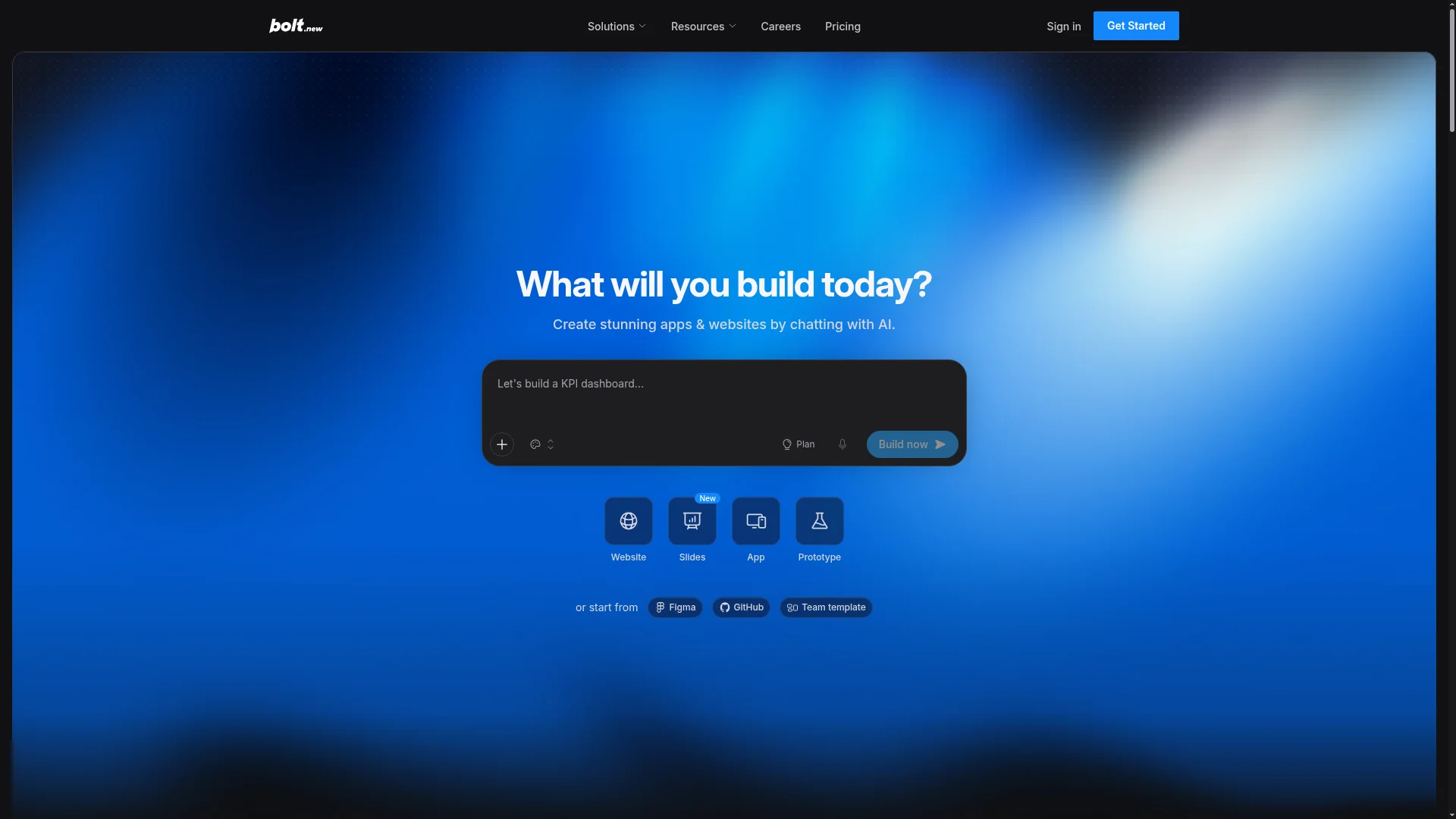
Best for: builders who want Replit's chat-to-app speed with the code in view.
Bolt, from StackBlitz, works much like Replit Agent. You chat, it builds a full-stack app, and the code sits next to the preview. Bolt Cloud adds a database, sign-in, file storage and hosting.
Ask Bolt for a mobile app and it uses Expo, and you can preview the app on your phone with Expo Go. Getting into the stores is your job, though. Bolt's docs tell you to "download the code and open it in a code editor such as VS Code," then build and submit with Expo's EAS command-line tool.
Pricing: the free plan gives you 300K tokens a day, up to 1M a month. Pro is $25 a month for 10M tokens, and unused tokens roll over.
Pick Bolt over Replit if you want a similar workflow and you're comfortable running the store builds yourself.
7. Lovable: Best Replit Alternative for Web Apps
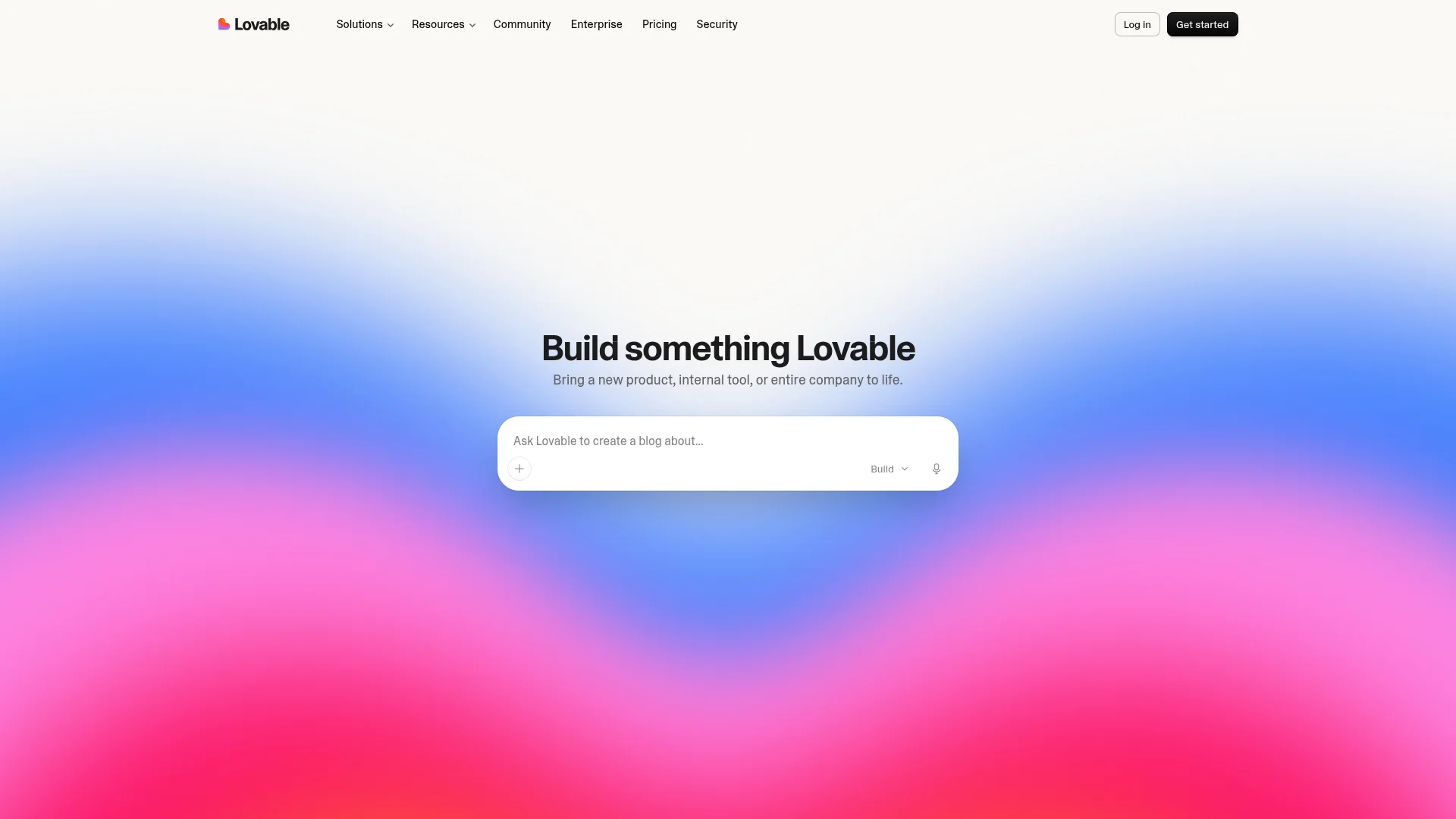
Best for: polished web apps from a prompt, when you don't need a store listing.
Lovable appears on 8 of the 10 Replit alternative guides we read, usually as the pick for non-coders. It builds React web apps with a backend on Lovable Cloud, which its docs say "utilizes Supabase's open-source foundation."
It isn't a mobile builder. Lovable's docs say it "builds web apps and publishing always deploys to a web URL," and that it "does not generate projects in React Native." If an App Store listing is why you're leaving Replit, Lovable won't get you there.
Pricing: the free plan gives you 5 build credits a day, up to 30 a month. Pro is $25 a month for 100 credits, or $21 billed yearly. GitHub sync works on every plan.
Pick Lovable over Replit if your product lives in the browser. For more tools in this category, see our list of Lovable alternatives.
8. Cursor With Expo: Best for Developers
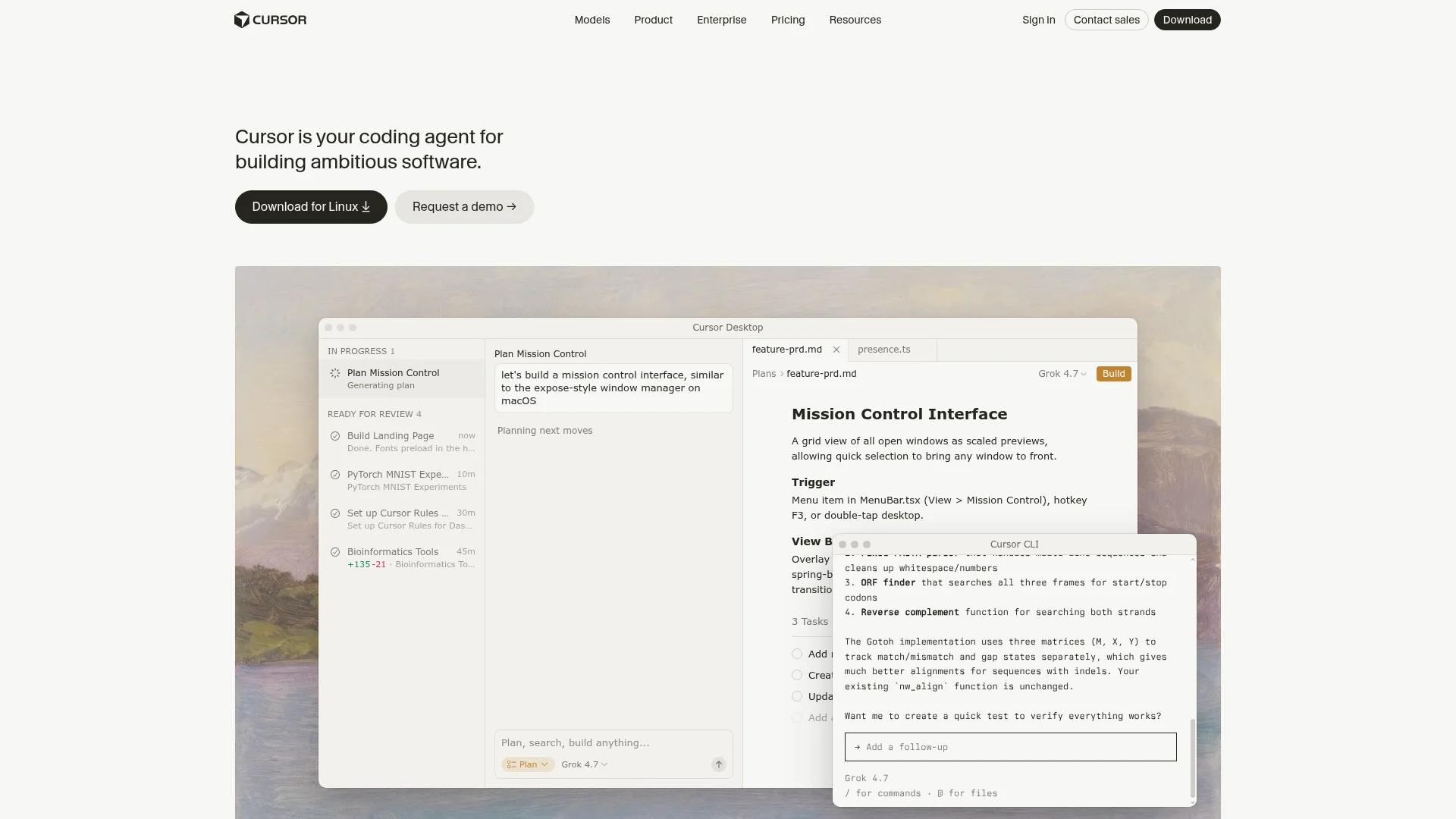
Best for: developers who want to own every part of the stack.
Cursor is a code editor with AI agents that write, run and fix code in your project. Pair it with Expo and you have the same React Native setup that Replit and BuildAvelo use, on your own machine.
Expo's build service does the store work. EAS Build makes your app binaries in the cloud, and EAS Submit uploads them to App Store Connect and Google Play. Expo's free plan includes 15 Android and 15 iOS builds a month.
Cursor is now part of SpaceX, and on October 12, 2026 its plans moved to "The X Subscription." Plus is $8 a month and only runs Grok models, and third-party models need Premium at $30 a month. There's no hosting or backend, so you set those up yourself.
Pick Cursor with Expo over Replit if you write code and want full control. For non-coders, the setup is the hard part.
Replit Alternatives for Coding in the Browser
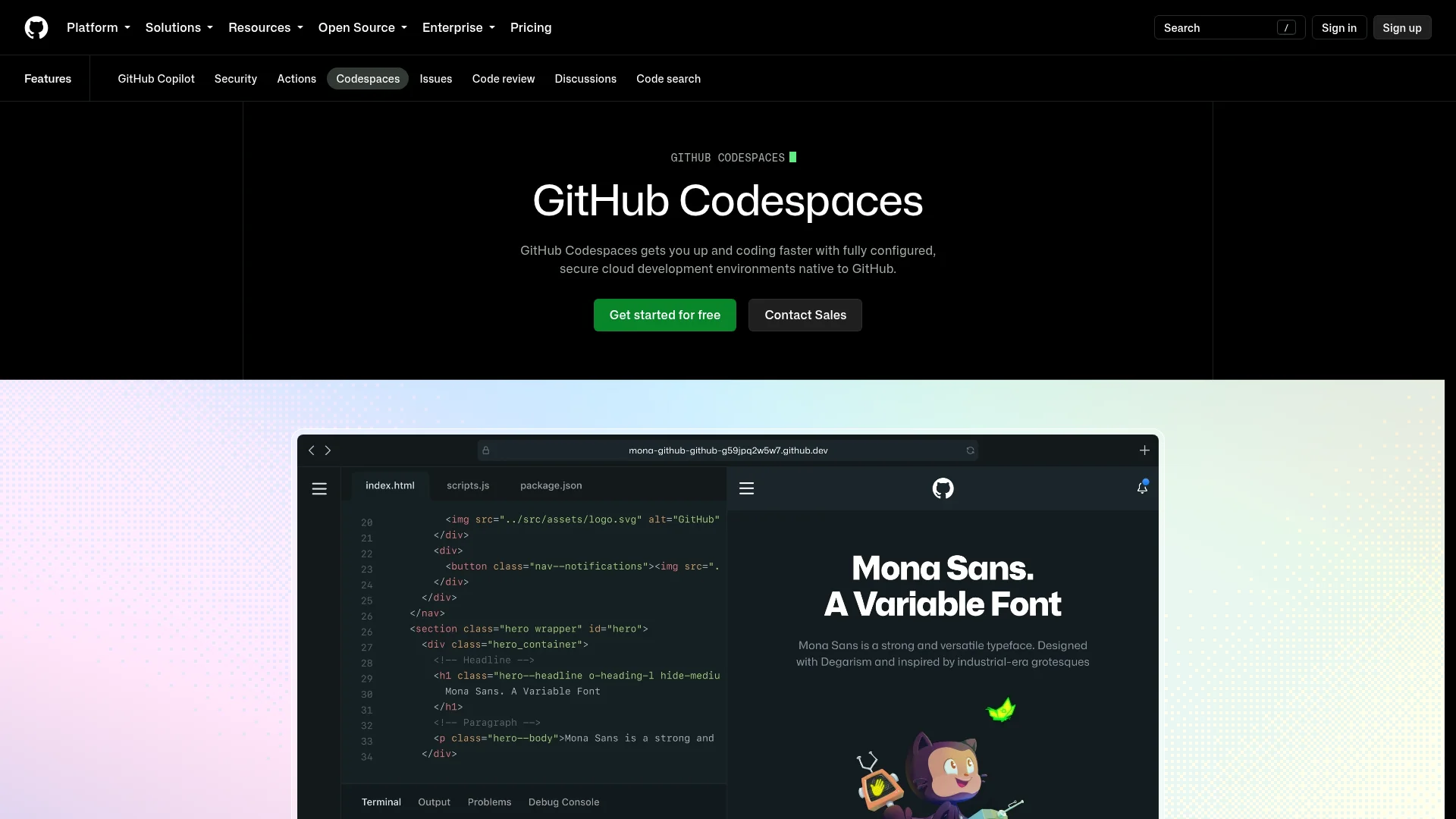
Some people searching for sites like Replit want a code editor in the browser, not an app builder. The closest match is GitHub Codespaces, which runs VS Code in the browser on top of your GitHub repositories.
Free personal accounts get 120 core hours and 15 GB of storage a month, which works out to 60 hours on a 2-core machine. After that, a 2-core machine costs $0.18 an hour. Codespaces doesn't host your app or build it for the stores, so for mobile you'd pair it with Expo.
StackBlitz and CodeSandbox are lighter options. Both run web projects in the browser and suit quick front-end prototypes.
What You Need to Publish to the App Store and Google Play
Whichever tool you pick, the stores charge the same fees:
Apple Developer Program: $99 a year. You need it to publish on the App Store and to test with TestFlight.
Google Play developer account: $25, paid once.
Expo account: needed by Expo-based tools like BuildAvelo, and to run EAS yourself. Expo's free plan covers 15 Android and 15 iOS builds a month.
Native output matters at review time. Apple's guideline 4.2 asks that an app "elevate it beyond a repackaged website," which is why a thin wrapper around a web app often gets rejected. Every app builder in this list produces native code except Lovable, which doesn't build for the stores at all.
Send your first build to TestFlight before a public release. It lets you install the real app on your own iPhone and catch crashes before Apple's reviewers do.
Moving From Replit Without Starting Over
Most people searching for a Replit alternative already have a project there. You don't have to throw it away.
Get your code out. Connect Replit's Git pane to GitHub and push the project, or download it as a zip file.
Save your data. Replit's database is PostgreSQL. Export the tables you need before you cancel, along with any files in App Storage.
Bring the project into BuildAvelo. Import the GitHub repository (Core plan and up, repos up to 200 MB). If the app is public, you can paste its URL into the Replit to App form instead.
Let the agent build the mobile app. It builds an Expo app from your project and connects it to BuildAvelo Cloud or your existing Supabase or Firebase project. If your Replit app runs an Express or Python server, plan for that logic to move to BuildAvelo Cloud's database and edge functions.
Test and release. Preview the app in Expo Go, run the readiness check, then release it to iOS and Android.
Your Replit app keeps running while you do this, so nothing goes offline. Our guide to converting a Replit web app to a mobile app covers each step in more detail.
How to Choose the Right Replit Alternative
Start with what you need that Replit doesn't give you:
An app in both the App Store and Google Play, from a description: BuildAvelo. It can build your website in the same project.
Visual control over every screen: FlutterFlow, or Bubble if you never want to see code.
Fully native Swift and Kotlin code: Rork.
A Python backend: Emergent.
Replit's workflow, with store builds you run yourself: Bolt.
A web app only: Lovable.
Full control as a developer: Cursor with Expo.
A code editor in the browser: GitHub Codespaces.
Before you commit, check whether you can take your code with you. Bubble can't export code. BuildAvelo, FlutterFlow, Rork, Emergent, Bolt and Lovable all let you take it, though some only on paid plans.
Frequently Asked Questions
What is the best Replit alternative?
It depends on why you're leaving. For native iOS and Android apps built from a prompt, BuildAvelo is the best pick: it builds React Native Expo apps, submits iOS builds to the App Store and prepares Android builds for Google Play.
For a code editor in the browser, use GitHub Codespaces. For web apps, Bolt and Lovable are the closest to Replit Agent. Developers who want full control often move to Cursor.
What is the best Replit alternative for mobile apps?
BuildAvelo, if you want to describe the app and let an AI agent build it. FlutterFlow is the best visual option, with one-click deployment to both stores from its $39 Basic plan. Rork is the pick for native Swift and Kotlin code.
Can Replit build mobile apps?
Yes. Since January 2026, Replit Agent builds React Native apps with Expo, and its Launch feature uploads iOS builds to App Store Connect. You can build and preview Android apps too, but Replit doesn't publish to Google Play yet.
Is Replit free?
Replit has a free Starter plan with daily Agent credits and one published app, which goes down after 30 days. Core costs $20 a month, or $18 billed yearly, and includes $20 of monthly credits. Paid Agent work uses effort-based pricing, and usage beyond your credits is billed separately.
Is there a free Replit alternative?
GitHub Codespaces is free for 120 core hours a month, about 60 hours on a 2-core machine. Bolt's free plan gives you 300K tokens a day, up to 1M a month, and FlutterFlow's free plan covers 2 projects with web publishing.
BuildAvelo gives you 15 free credits once, with web deploys. For mobile, Expo's free plan includes 15 Android and 15 iOS builds a month if you run the builds yourself.
Who are Replit's main competitors?
For building apps with AI, Replit competes with Lovable, Bolt, v0, Base44, Emergent and BuildAvelo. For mobile apps, the main competitors are FlutterFlow, Rork and Bubble. For coding in the browser, it's GitHub Codespaces, StackBlitz and CodeSandbox, and Cursor competes for developers who want AI inside a code editor.
Is there anything better than Replit for building apps?
For web apps with backend code you can see and edit, Replit is a strong choice. It falls short in three places: it doesn't publish to Google Play, its effort-based pricing is hard to predict, and its workspace assumes you can code.
If a mobile app is the goal, a tool built around the app stores, like BuildAvelo or FlutterFlow, fits better.
How do I move my Replit app to another builder?
Push your code to GitHub from Replit's Git pane, or download it as a zip. Export your PostgreSQL data, then import the repository into the new tool. In BuildAvelo, GitHub import works from the Core plan, and the agent can build a native mobile app from your web project.
Final Verdict on Replit Alternatives
Replit is a capable cloud workspace, and since 2026 it can put an iPhone app in front of App Review. If that's all you need, you may not need to switch.
Otherwise, the best Replit alternative is the one that fixes the gap you hit: FlutterFlow or Bubble for visual control, Rork for native code, Bolt or Lovable for web apps, Cursor or Codespaces for coding.
If you need your app on both iPhone and Android and you'd rather describe it than manage a workspace, BuildAvelo builds it with React Native and Expo, includes the backend and submits iOS builds to the App Store for you. Describe your app and start building for free.
BuildAvelo Team
Editorial Team